
PBS KIDS Video
PBS KIDSEducation
4.312.54K Reviews
- Version
- 7.2.0
- Installs
- 10.00M
- Age Rating
- Everyone
Screenshots
Our Review of PBS KIDS Video
 Analysis by Appyee
When I choose a video app for a child, I look beyond whether the shows are enjoyable. I want something a young viewer can navigate without turning every screen into a guessing game, and I want the viewing experience to fit ordinary family routines. PBS KIDS Video is a free education app from PBS KIDS, rated for Everyone, and its focus on children’s programming gives it a clear purpose: a child can settle into familiar, age-oriented viewing rather than browse a general video feed.
A good fit depends on how your family watches
I’d consider this app if you want a straightforward way to put children’s programs on a phone or tablet, especially when a short viewing break needs to be simple to manage. It is less suited to someone looking for a broad entertainment library for the whole household, or for a child who mainly wants interactive games rather than videos. That distinction matters: PBS KIDS Video is a viewing app, so its value comes from the programs and the way they fit into your day, not from activities that ask children to play along on screen.
In a typical afternoon, I can imagine using it while dinner is being prepared: a child chooses a program, watches for a while, and then the device goes away when the meal is ready. That works best when the adult sets the boundary before handing over the tablet. A child-friendly browsing experience can reduce the need to guide every tap, but it does not replace a family decision about how long to watch or what is appropriate for that particular child.
Where a children’s video library has an edge
Compared with general-purpose video services, a dedicated children’s app can make the choice feel more contained. A parent who would rather not hand a young child an open-ended video platform may appreciate having a destination centered on children’s programming. Compared with educational games, meanwhile, this is the better fit when the goal is to watch a story or short program together, rather than practise a skill through repeated interaction.
The trade-off is that a focused video app is not a universal answer to screen time. If your child wants to create, solve puzzles, or explore a subject through hands-on activities, a learning game or another kind of educational app may be a better match. I’d treat PBS KIDS Video as one useful option in a family’s media mix, not as a substitute for every other kind of learning or entertainment.
Small habits make it easier to use well
Before relying on downloads for a trip, I’d prepare the videos while the device has a dependable connection and check that they are ready before leaving. That simple step helps avoid discovering at the car park or on the train that the plan depended on a download that had not finished. For a longer outing, I’d also decide in advance whether the child can choose freely from what is available or whether I’ll pick a program for them; that can prevent a rushed debate when everyone is already on the move.
Another practical approach is to use the app as a shared starting point rather than background noise. After an episode, I might ask what the child noticed or which character they remember. That does not need to become a quiz. A quick conversation can turn passive watching into a more engaged moment, while also helping me see whether the program held their interest. If a child loses focus, I would stop rather than assume that more viewing automatically means more learning.
Exploring the World of PBS KIDS Video
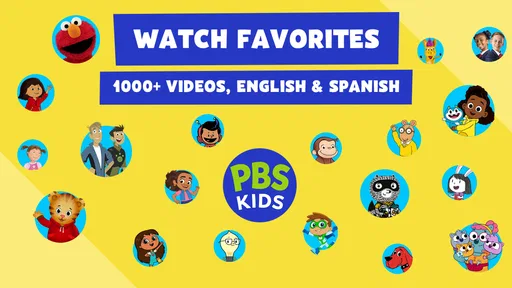
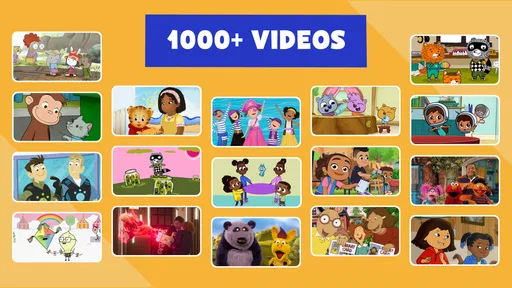
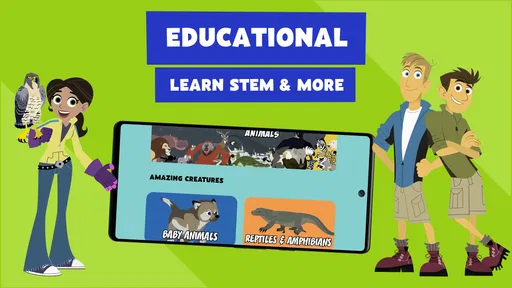
The PBS KIDS Video app is like a treasure trove of fun and learning packed into your mobile device. Seriously, it’s one of those apps you’ll wish you had discovered sooner. It’s designed for children, offering a safe space with a variety of shows that are not only entertaining but also educational. From "Arthur" to "Wild Kratts," the app features all the beloved characters that your kids can learn from and grow with.
Features That Make a Difference
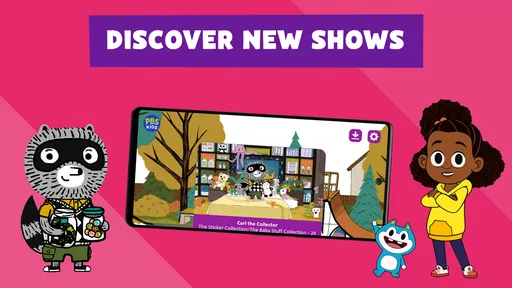
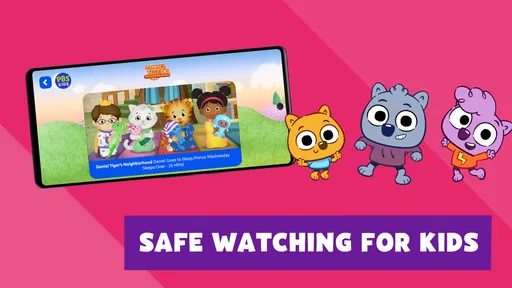
One thing I absolutely love about this app is the sheer ease of navigation. The interface is super kid-friendly, meaning your young ones can easily browse through episodes without the need for constant supervision. It’s a life-saver when you’re trying to get some household chores done! Plus, the video quality is top-notch, ensuring the shows are visually engaging.
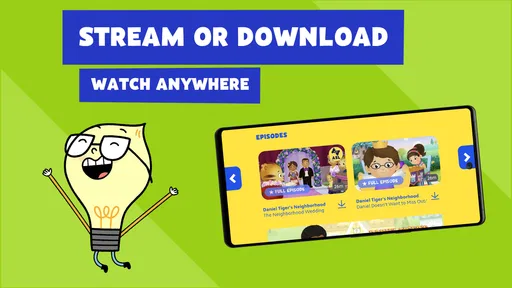
Another cool feature is the offline viewing option. Say goodbye to those dreaded "no internet" moments. You can download episodes for offline viewing, perfect for road trips or places where Wi-Fi is spotty. Trust me, this feature alone is worth its weight in gold.
Why Your Kids Will Love It
The content is designed specifically for kids, which means it’s not just about watching; it’s about learning through fun. With a diverse range of topics from science to literacy, the app provides a wholesome experience that keeps the young audience engaged. The characters are relatable, and the storytelling is compelling—your kids will be glued to the screen, and for all the right reasons.
That makes the app particularly useful for families who want a program to prompt curiosity without turning every viewing session into a lesson. I would not assume that every child will respond to every show in the same way, though. A younger viewer may be drawn to a familiar character, while an older child may prefer a different pace or subject. Letting your child sample a few options is a more reliable way to find a good fit than choosing based only on the educational theme.
Parents, Here’s Why You’ll Appreciate It
As a parent, nothing beats knowing that your child is learning something valuable while they’re entertained. The shows in the app are crafted to develop essential skills in a playful manner. Plus, there are no in-app purchases or ads, which means you won’t have to worry about unexpected charges or inappropriate content popping up. Isn’t that a relief?
The app also encourages co-viewing experiences, meaning you can watch along with your child and have meaningful discussions about the episodes. It’s a great way to bond and explore new concepts together.
Checking the details before you settle in
The app has been available since June 24, 2014, and its current version is 7.1.10. It has a 4.2 average from around 65 thousand ratings, with roughly 12 thousand written reviews, and has been installed over 10 million times. Those figures suggest that it is a well-established choice among families, though popularity alone cannot tell you whether its programs suit your child or whether the app works smoothly on your particular device.
It costs nothing to get started, which makes it easy to try without committing to a subscription. I’d still think of “free” as a practical starting point rather than a promise that the app will meet every need: the real test is whether your child enjoys the available viewing and whether the app fits the way your family handles screen time. The Everyone age rating is reassuring as a broad label, but parents know their child’s sensitivities and viewing habits best.
Where the trade-offs show up
The biggest limitation is inherent in the format: watching is still watching. Educational subjects and thoughtful storytelling can make screen time more worthwhile, but they do not make it equivalent to reading together, building something, or playing outdoors. I would use the app as a convenient option for a specific moment—such as a quiet break, travel, or a shared episode—not as the default activity whenever a child is bored.
There is also a difference between independent browsing and adult oversight. A child-friendly interface can help a young viewer find something to watch, but I would not interpret that as a reason to hand over a device without checking in. For a very young child, choosing a program together may be more comfortable; for an older child, agreeing on a stopping point can make the transition away from the screen less abrupt. These small routines matter more than expecting an app to manage the whole experience.
Families should also plan around connectivity. The download option is useful when internet access may be unreliable, but it works best as preparation, not an emergency fix after the connection has disappeared. I’d choose and download what I expect to need ahead of time, then confirm it is available before setting out. If your plans change, having a second offline activity is sensible rather than assuming video will cover every stretch of a trip.
Who I’d recommend it to
I’d recommend PBS KIDS Video to caregivers who want a dedicated place for children’s shows, appreciate a free option, and sometimes need viewing that can travel with the family. It is especially appealing if you want to choose a program together and talk about it afterward, or if you would rather avoid starting a young child in a broad, general video environment. Its educational focus is a useful reason to consider it, but the best result still comes from matching the program to the child and keeping viewing intentional.
I’d be more cautious if your main goal is to keep a child actively practising a particular skill, because a video is not the same as an interactive lesson. I’d also look elsewhere if you need one service that covers adults’ entertainment as well as children’s, or if your child is not interested in the shows available. In those cases, a dedicated learning game, a book, or a broader family media option may fit better, depending on what you want the device to do.
There is little switching effort involved in trying it: because it is free, a family can test whether its programs and viewing style work before making it part of a routine. The bigger adjustment is setting expectations—what the child can choose, when watching is allowed, and what happens when an episode ends. I find that a clear plan makes a video app more useful and helps prevent the familiar “just one more” negotiation from taking over.
Wrapping It Up
In a world filled with countless apps vying for your attention, the PBS KIDS Video app stands out as a beacon of quality content for children. It’s educational, safe, and incredibly fun. If you’re looking for an app that ticks all the boxes for both you and your little ones, this is it. Download it today and dive into a world where learning and fun go hand in hand. Trust me, you won’t regret it!
My more measured recommendation is to give it a try if children’s programming is what you need, then judge it by how your child actually uses it. I like its clear role as a place for young viewers to watch, its offline option for prepared travel viewing, and the possibility of sharing an episode rather than treating it as disposable background. I would not call it a replacement for active play or a guarantee of hands-off parenting, but as a convenient, focused addition to a family’s screen-time choices, it is an easy one to consider.
Privacy and Permissions
See what permissions an app requests and how it handles your data.
- Other
- view network connections, full network access, run at startup, prevent device from sleeping
Verdict
Strengths of PBS KIDS Video
- Free access to a wide range of kids' shows.
- User-friendly interface for young children.
- No subscription required for streaming.
- Supports offline viewing with downloads.
- Educational content promotes learning.
Limitations of PBS KIDS Video
- Limited content availability outside the US.
- Requires stable internet for streaming.
- No parental control features available.
- Ads can interrupt viewing experience.
- Limited customization options for profiles.
Other Releases by PBS KIDS
View All
PBS KIDS Games
Educational4.3

Daniel Tiger for Parents
Parenting3.7

Explore Daniel's Neighborhood
Educational3.4

Wild Kratts Rescue Run
Educational4.2
Similar Picks in This Category
View All
Duolingo: Language Lessons
Duolingo4.7

Google Classroom
Google LLC2.8

Unacademy: Learn & Crack Exams
Unacademy3.2

Bible App for Kids
Life.Church4.4

Cake - Learn English & Korean
Cake Corp.4.7

Brainly: AI Homework Helper
Brainly4.5
Frequently Asked Questions
What is PBS KIDS Video and who is it for?
PBS KIDS Video is a free app designed for children, offering educational and entertaining video content from PBS KIDS shows. It is ideal for preschool and elementary-aged children, providing a safe and engaging platform to watch episodes and clips from popular PBS programs such as "Daniel Tiger's Neighborhood" and "Sesame Street."
Is the PBS KIDS Video app safe for children?
Yes, the PBS KIDS Video app is designed with child safety in mind. It provides a secure environment without any inappropriate content. The app is free of advertisements, ensuring that children can watch videos without interruptions or exposure to unsuitable material. Parental controls are also available for additional peace of mind.
Can I download videos for offline viewing on PBS KIDS Video?
Currently, PBS KIDS Video does not support downloading videos for offline viewing. The app requires an internet connection to stream content. This may be a consideration if you’re planning to use the app in areas with limited or no internet access, such as during travel.
Does PBS KIDS Video require a subscription or payment?
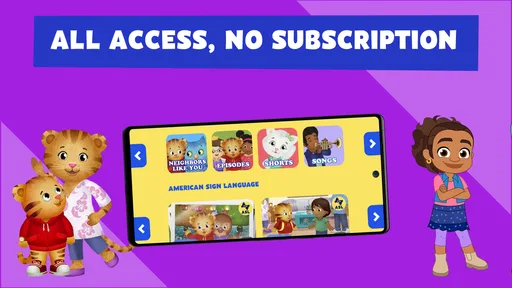
PBS KIDS Video is completely free to use, with no subscription fees or hidden costs. It provides access to a wide range of PBS KIDS shows at no charge. This makes it an excellent choice for parents looking for quality educational content without additional financial commitment.
What devices are compatible with PBS KIDS Video?
PBS KIDS Video is available on both Android and iOS devices, making it accessible on a wide range of smartphones and tablets. Additionally, the app can be used on streaming devices like Roku, Amazon Fire TV, and Apple TV, allowing children to enjoy content on larger screens at home.
